
* If you have problems , please uninstall and re-install diceplayer.
* If you have no speed control bar , change “Settings->Select Player” for your file extensions to “Default”.
HW Accelerated Video Player with Playback speed control and Network support.
Features
* POP-UP Play
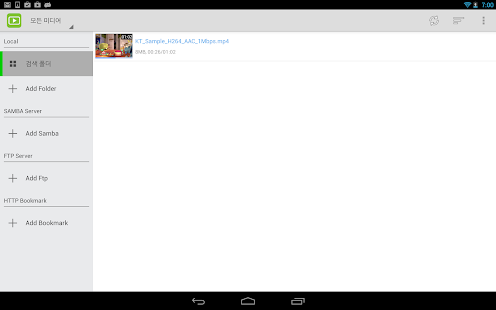
* Network Support : Windows Share / FTP / HTTP / WebDAV
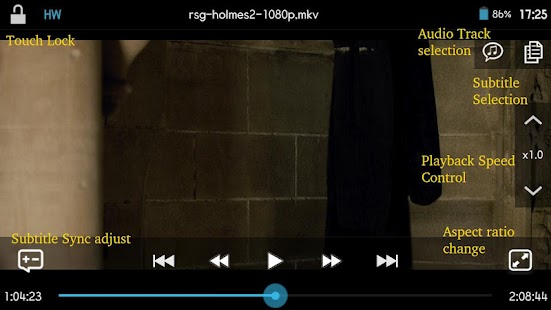
* Multiple audio track
* Multiple subtitle track : external sub also suppoted.
* HW Accelerations : no limitations like a network , containers.
Formats
- AVI,MOV,MKV,FLV,AVI,3GP,3G2,ASF,WMV,MP4,M4V,TS,MTP,M2TS
Playback speed control
- up to x2.0 ( on HW )
- audio pitch correction support
Subtitle format
- SSA,SMI,SRT, VoBSub (beta)
- MKV/MP4 embedded subtitle supported
- Unicode/Multibyte charset supported.
Download via Google Play:

DicePlayer 2.0.53 on Google Play
Download :

Download DicePlayer 2.0.53
DicePlayer Current Version: 2.0.53
Requires Android: 2.2 and up
Category: Media & Video
v2.0.53 update:
v2.0.53
1.Change the Play screen UI
2. Addition of function for UI Mode Change
3. Fix the bug for delete a file in external sdcard (Android 4.4+)
4. Minor bug fixes